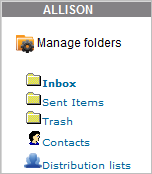
There are three standard, parent folders: Inbox, Sent Items and Trash.
The standard folders depicted in the graphic above are created by default for each User.

|
You cannot change the names of these folders, nor can you delete them. However, you can create subfolders for each of the standard folders. |
To open subfolders, click the parent folder to which a subfolder belongs. If any subfolders exist, they will open slightly indented below the parent folder. Subfolders can have subfolders.
Users can add subfolders beneath the standard folders in any hierarchical fashion they want. All subfolders a User creates are visible only to that User. On the Com System window:
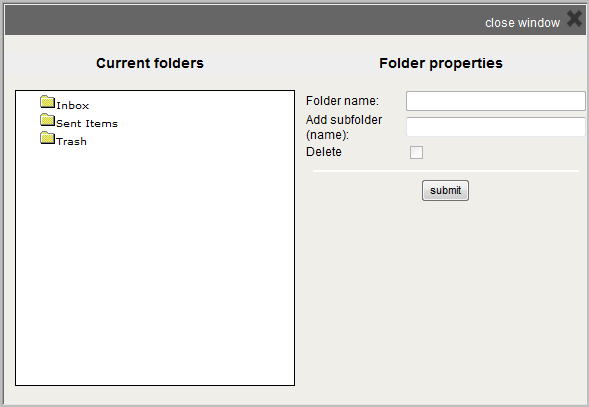
You can edit the names of the subfolders you created. On the Com System window:
You can delete subfolders you created. On the Com System window:

Copyright © 2010-2015, Oracle and/or its affiliates. All rights reserved.
 Related Topics